


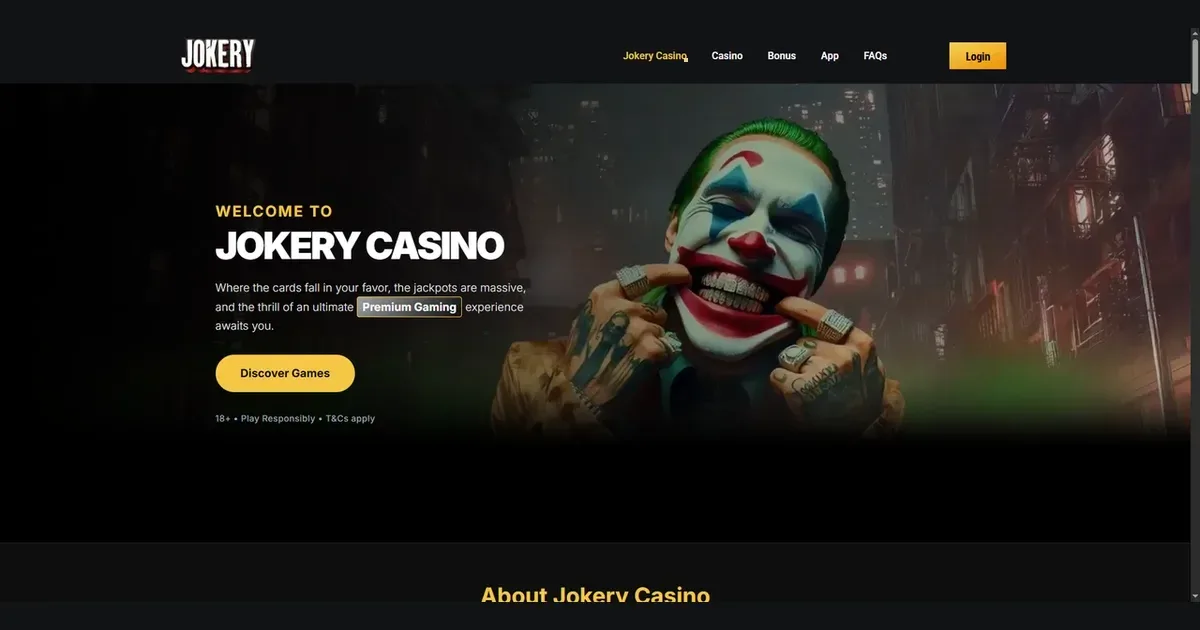
Your Jokery account lives at the operator's own site, and only the operator can verify, restore or unblock it. This page walks through how signing in works, what to do when it fails, and where to get help.
Signing in to your Jokery account
The route to your account takes three steps, whether you are on desktop or using a phone browser.
- Open the operator's own site at the address you registered with.
- Find and select the sign-in button the operator provides.
- Enter the email address and password you chose when you registered.
No account yet? Registration happens at the operator's site too.
When signing in does not work
A handful of causes explain most failed logins, and each has a fix.
- Wrong credentials – check the email address matches the one used at registration, and that caps lock is off when typing the password.
- Unverified account – the operator holds access until identity documents are checked; see the verification section below.
- Browser session issue – clear cookies and cache, or try a different browser or private window.
- Self-exclusion in force – an account closed under self-exclusion cannot be reopened during the exclusion period. The operator's support team can confirm the end date.
- Regional restriction – access may be blocked if your location does not match the operator's accepted territories.
Reaching your account from a phone
Signing in on a phone works through the operator's site in a mobile browser. You use the same email address and password as on desktop, and the account is shared between devices.
Jokery offers a dedicated mobile app that users can install. Once installed, signing in through the app follows the same route – the email and password you registered with.
Getting back in when you have forgotten your password
The operator provides a password-reset route. Look for a "Forgotten password" or similar link near the sign-in form, enter the email address you registered with, and the operator will send a reset link to that inbox.
If the email address used at registration is no longer reachable, contact the operator's support team directly with proof of identity. They can update the registered address after verification.
Why an account gets blocked or held
Several deliberate restrictions can prevent access, and each exists for a reason.
| Cause | What happens |
|---|---|
| Verification pending | The operator ensures customer due diligence is observed for customers who reach the triggering characteristics set by international AML regulation. Access is held until documents are checked. |
| Self-exclusion | An account closed under self-exclusion cannot be reopened until the exclusion period ends. |
| Cool Down period | A 24-hour break from gambling prevents sign-in for the duration chosen. An extension takes effect immediately; shortening a Cool Down period is possible only after 24 hours have passed, unless the existing period is due to end within that timeframe. |
Where to go for help
Account problems are handled by the operator's support team, reachable around the clock through Live Chat and by email at [email protected].
Before writing in, have three details ready so the first reply can be useful: the email address on the account, when the problem started, and the exact message shown on screen if one appeared.
Keeping your access safe
Sign in only at the operator's own address – typed by hand or reached from a bookmark you created yourself, never through a link in an email or a message. Those can lead anywhere.
Use a password you have not used anywhere else. If one site is compromised, a unique password keeps the rest of your accounts safe.
On a shared device, sign out when you finish. A session left open is an open door.
Gambling should be entertainment, not a chore. You must be 18 or over (18+) to use this site. If gambling ever stops feeling like play, free and confidential help is available at BeGambleAware.org, and you can reach the National Gambling Helpline at 0808 8020 133 any time, day or night.